
More than 4 million apps combined on the Play Store and Apple Store.
For developers, there is pressure for quicker delivery, cleaner code, and fewer bugs. And that too without inflating costs, as the competition is high.
That’s where open-source tools quietly change the game. Open-source tools provide developers the platform they need to constantly evolve because the people who use them are the same ones improving them.
And that’s the beauty of it. You are not depending on a single company for updates. It is like being part of a global community shaping the future of app development.
Honestly, pairing the right tools with the right partner can make all the difference. If you are still exploring who to collaborate with, checking out some of the top mobile app development companies on Goodtal can give you a good starting point.
Top Open Source Tools for Mobile Application Development
Choosing the right framework keeps your code clean and helps you scale smoothly when required. Here are the top open source mobile development tools you must know.
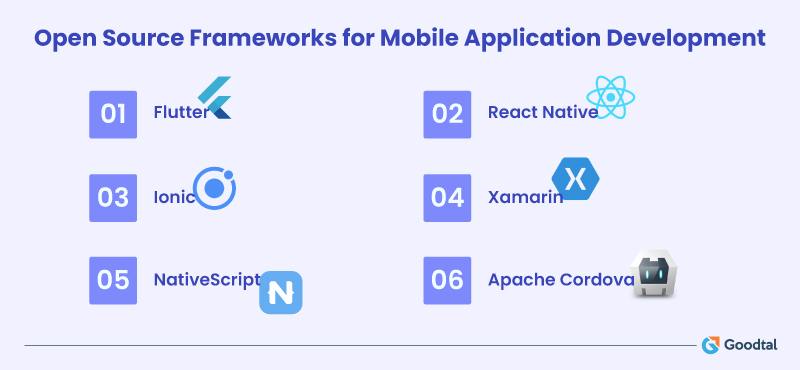
1. Flutter
Created by Google, Flutter is one of the fastest ways to build visually rich cross-platform apps. It uses Dart. With Flutter, you can build Android, iOS, web, and even desktop apps from a single codebase. Find the list of top Flutter developers on Goodtal.
One of the coolest things about Flutter is its hot reload feature. Any change in the code gets instantly updated on your app screen, reducing the long build times. That is the dream workflow for developers.
And those designs you see in top apps like Google Ads or Reflectly? Flutter powers them. The UI components feel native, and the animations are smooth.
Big brands like BMW, eBay, and Alibaba have already gone with Flutter. It’s popular among startups, too. Just in case you need it, we have a list of top mobile app developers for startups ready for you.
2. React Native
If Flutter is the new kid on the block, React Native is the seasoned pro. Backed by Meta (Facebook), it’s one of the most widely used frameworks for mobile app development today.
It’s built on JavaScript and React. So if you have worked on web apps, the transition feels natural. You can reuse a large chunk of your web code for mobile, which is a huge time-saver.
React Native apps feel close to native with smooth scrolling and stable performance. Major apps like Instagram, Tesla, and Shopify use React Native. That says a lot about its reliability.
React Native developers have a massive community. There is probably a library, plugin, or Stack Overflow answer for almost every problem you will hit.
3. Ionic
If you are from a web background, you will probably love Ionic. It’s built on HTML, CSS, and JavaScript, which means Ionic app developers can use the same skills to create mobile apps.
Ionic focuses heavily on UI. You get a library full of pre-designed components, layouts, and elements that look great right out of the box. Pair it with Angular, React, or Vue, and you have a flexible, clean setup.
One of its standout features is the ability to run your app inside a WebView. That means your app is technically a website packaged as a native app. For content-heavy or hybrid apps, this works beautifully.
4. Xamarin
Xamarin uses C# and .NET, so if you are in that Microsoft ecosystem already, this one’s a natural pick. With Xamarin, you can share up to 90% of your code between platforms. That means less repetition and faster rollouts.
It also integrates seamlessly with Visual Studio. And with .NET MAUI (Multi-platform App UI) taking shape, Xamarin’s ecosystem is only getting stronger.
The community isn’t as large as Flutter or React Native, and some developers also find the setup a bit heavy. You can also find the list of top Xamarin development companies on Goodtal.
5. NativeScript
NativeScript doesn’t get as much hype as others, but it deserves attention. It lets you build native apps using JavaScript, TypeScript, or Angular.
And the best part is It gives you direct access to native APIs. No need for wrappers or plugins. You can literally call Android and iOS APIs right from your JavaScript code.
NativeScript apps compile into real native apps, so performance is impressive. Plus, with support for plugins and integrations, you can extend functionality without touching native code.
6. Apache Cordova
Cordova is one of the oldest players in the open-source app world. It basically lets you turn web apps into mobile apps using HTML5, CSS3, and JavaScript.
Think of it as the engine behind many hybrid frameworks, including Ionic. It wraps your web code in a native container so it can access device features like camera, GPS, and storage.
Cordova is simple, well-documented, and great for quick projects or prototypes. The downside is that performance might lag behind more modern options like Flutter or React Native.
What Makes a Good Mobile App Development Framework?
If you want to avoid common pitfalls during mobile app development, here is what you should look for when picking your stack:
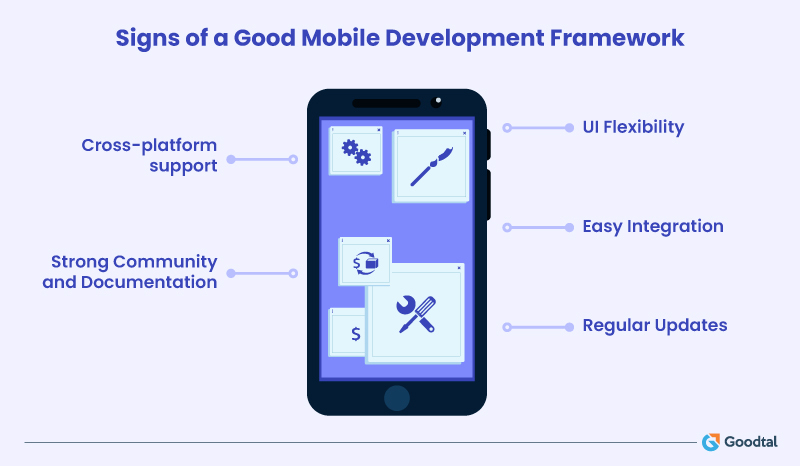
1. Cross-platform Support
Most users switch between Android and iOS. So choose frameworks that let you build once and deploy across platforms. It saves tons of time and money.
2. Strong Community and Documentation
Every developer has at least gone through this once, where you get some weird errors and can’t find a solution on the internet. That is why an active community matters. So you must choose a framework that has an ample amount of tutorials, GitHub discussions, and quick fixes that keep you moving.
3. UI Flexibility
Good frameworks make your app look and feel native. You don’t want heavy designs or slow animations. You want something that can balance performance with design.
4. Easy Integration
Integrations with APIs, third-party libraries, or third party tools should be seamless. If developers have to spend more time fighting dependencies than building a feature than it is not worth the time or effort.
5. Regular Updates
The framework must cope with the evolution in technology. Frequent updates mean fewer bugs, better security, and support for the latest OS versions.
Backend and Database Tools That Make Your App Run Seamlessly
A great interface won't be worth much if your app crashes or gets bogged down behind the scenes. Here are some of the tools developers rely on:
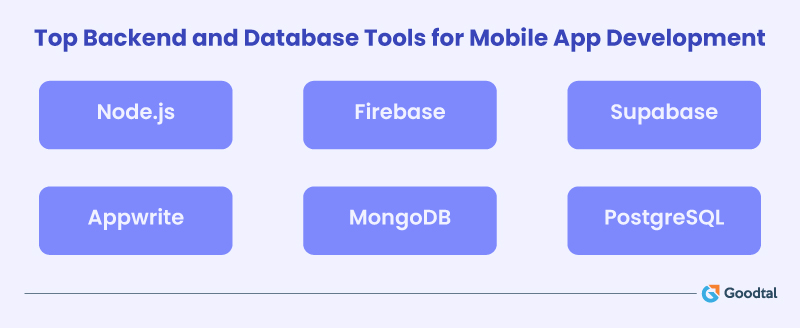
Node.js
Node.js is light, speedy, and designed for real-time apps, making it the first choice of developers. Node is built on JavaScript, so it's straightforward for frontend developers to develop the full stack. You can create APIs, store server logic, or even do live updates without having to change languages.
Its greatest advantage is non-blocking I/O. That is, it can support thousands of simultaneous requests without bogging down. Ideal for apps that require real-time updates, like chat applications and streaming services.
And since it's open-source, the package ecosystem (NPM) continues to grow. Whatever you want to do, there's likely to be a Node package for it.
Firebase, Supabase, Appwrite
Firebase has revolutionized how mobile apps process data, but its open-source competitors are catching up quickly and, in some areas, even surpassing it.
Supabase and Appwrite are at the forefront of that wave. Supabase is similar in structure to Firebase but leaves you in full control of your data. It's designed on top of PostgreSQL, making it flexible and transparent.
Appwrite takes a different approach, and that's simplicity for developers. It bundles authentication, database, storage, and functions into an easy-to-deploy package.
For teams who adore Firebase's ease of use but need more control and transparency, these tools are the choice.
MongoDB
If your application is working with dynamic data, MongoDB is the best choice. It's a NoSQL database that holds information in elastic JSON-like documents. No strict table schema, which means you can modify fields or introduce new fields without compromising existing data.
Mobile teams commonly combine MongoDB with Node.js to develop full-stack JavaScript applications. And since MongoDB is open-source in its very DNA, it's simple to host on your own servers or run with cloud providers.
PostgreSQL
If you want an old-school relational database with contemporary features, you can't beat PostgreSQL.
It's open-source but enterprise-quality, renowned for its stability and integrity of data. For applications that require structure, PostgreSQL provides just the right balance of stability and flexibility.
Open-Source Libraries & Plugins for Mobile Essentials
Every app has those behind-the-scenes heroes that quietly make things work better. Here are a few that have become must-haves in almost every developer’s toolkit.
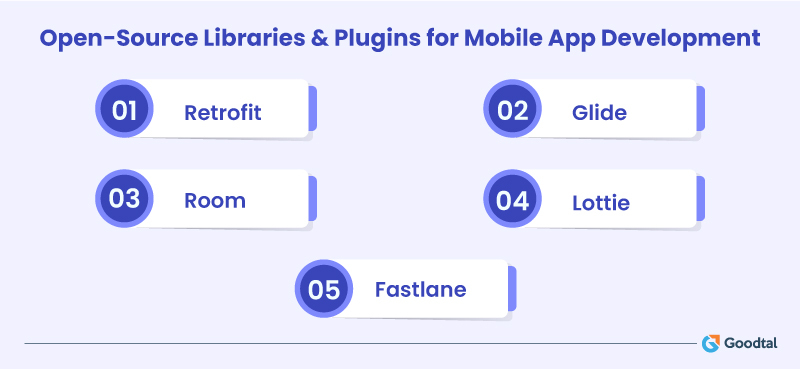
Retrofit
When you’re connecting to APIs, you want something that’s simple yet flexible. That’s where Retrofit shines. Built by Square, it turns those long API calls into neat, readable code. You just define the endpoints and let it do the rest. Pair it with Kotlin coroutines for asynchronous clean code.
Glide
Images are another area that can drain your patience. Tools like Glide make that pain disappear. It quietly handles image fetching, memory management, and caching behind the scenes. Your UI feels smoother, and your users won’t even realize how much work went into making it that seamless.
Room
Now, storing data locally is still one of those tasks that every app deals with, but few developers enjoy. Room, Google’s ORM for SQLite, changes that. It abstracts away the repetitive parts of writing queries while keeping performance solid. If your app needs offline access or quick local caching, Room keeps it simple and dependable.
Lottie
Animation is something every product team loves. That’s where Lottie lets developers use animations straight from After Effects without heavy image files or custom code. The result? Beautiful, lightweight motion that brings your app to life without affecting performance.
Fastlane
It doesn’t sit inside your app but automates everything around it. Taking screenshots, building releases, and uploading to app stores. All those repetitive, manual tasks can be handled automatically. For teams releasing often, this tool is a quiet lifesaver.
How to Choose the Right Toolset for Your Project
The right toolset isn’t about choosing what is trending, but it is about what fits your project’s needs and your team’s rhythm. You can read this blog to know what is new in Android and iOS app development.
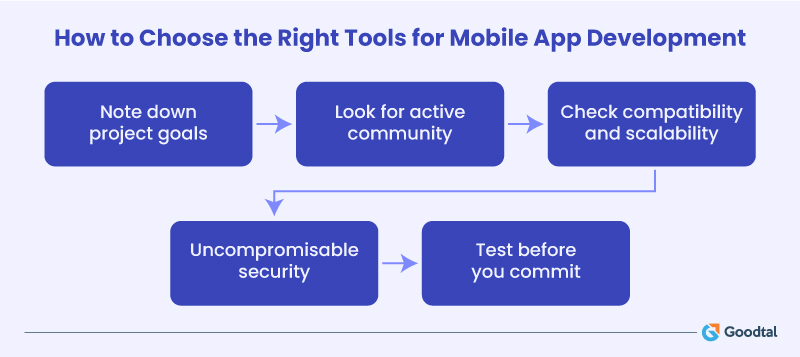
Start with your project goals
Every app has a purpose and different priorities like speed, scalability, design, or security. So, before diving into GitHub stars and developer reviews, define what success looks like for your app. Once you are clear on that, choosing tools becomes a lot easier.
Look at community strength and maintenance
Open-source lives and dies by its community. A project that’s frequently updated and actively discussed online is usually a safe bet. You can check GitHub for commit frequency, issue responses, and pull requests. A strong community also means you will find help faster when something breaks.
Think about compatibility and scalability
The best open-source tools fit naturally into your workflow and integrate with your CI/CD pipeline, work across platforms. If a tool makes you refactor half your codebase every few months, it’s probably not worth the effort. Instead, look for solutions that evolve with you without adding unnecessary complexity. You can also browse Android app development companies and iPhone app development companies near you for support.
Security should never be an afterthought
It is essential to stay vigilant. Always review dependencies and check for reported vulnerabilities. Tools like OWASP Dependency-Check or Snyk can scan your libraries for known issues.
Test before you commit
Start small. Try a tool on one module and measure the results. Real-world testing always reveals what documentation can’t. If it performs well, integrate it more deeply. That approach saves you from heavy rewrites down the road.
FAQs
1. What are the benefits of using open-source tools for mobile app development?
The main benefit of open source tools is flexibility and cost savings. Most open source frameworks have active global developer communities, which is a huge benefit. Moreover, frequent updates keep apps secure and stable.
2. Are open-source frameworks reliable for enterprise apps?
Yes, ofcourse. A lot of big companies use frameworks like Flutter, React Native, or Xamarin. These frameworks are backed by giants and have proven track records for security and performance.
3. Which open-source framework is best for cross-platform development?
Flutter and React Native are the top choices for cross-platform apps. They let you write once and run on multiple platforms without sacrificing UI or speed.
4. How do I decide which framework to use?
It depends on your team’s skill set and project type. If your team is strong in JavaScript, you can choose React Native or Ionic. If you prefer something modern and visually rich, try Flutter. And for C# developers, there is Xamarin.
5. Can I switch frameworks later if needed?
You can, but it is not always easy. Frameworks have different architectures and dependencies. So it is better to finalize beforehand.
6. Do open-source frameworks provide long-term support?
Most open-source frameworks provide support. You also receive regular updates, bug fixes, and community-driven improvements.
7. Are open-source tools safe?
Yes, as long as you keep them updated. Since the source code is public, vulnerabilities are often found and patched quickly. Just make sure to use verified plugins and follow security best practices.

Myra Williams
A computer engineer turned writer, Myra has spent the past seven years helping readers understand technology without the buzzwords. At GoodTal, she shares honest perspectives and easy-to-grasp insights that make choosing the right tools feel simple and informed.